Released in September 2026, this collection of 6 presets reflects how I currently edit my digital photos.
These .xmp files are compatible with Lightroom Classic, Lightroom CC (desktop), and Photoshop (Adobe Camera RAW). They are NOT meant/created for Lightroom Mobile.
They are designed to be used on properly-exposed RAW files from various camera systems (including Sony, Leica, Fujifilm, Nikon, Ricoh, etc.) and should serve as a starting points for your edits. They will need to be slightly adjusted depending on the color science of the camera you use and the exposure of your images, however the main structure of the presets will translate well. I encourage you to play around with every look and make adjustments to achieve your desired style.
*Not optimized for analog film scans.
How to download/install:
After making your purchase, you will receive a download link.
Download and "unzip" the folder.
Open Lightroom, click "File" at the top, then scroll down and select "Import Develop Profiles and Presets"
Select the unzipped preset folder
Select "Import"
This purchase is non-refundable. No re-selling under any circumstances.
Released in September 2026, this collection of 6 presets reflects how I currently edit my digital photos.
These .xmp files are compatible with Lightroom Classic, Lightroom CC (desktop), and Photoshop (Adobe Camera RAW). They are NOT meant/created for Lightroom Mobile.
They are designed to be used on properly-exposed RAW files from various camera systems (including Sony, Leica, Fujifilm, Nikon, Ricoh, etc.) and should serve as a starting points for your edits. They will need to be slightly adjusted depending on the color science of the camera you use and the exposure of your images, however the main structure of the presets will translate well. I encourage you to play around with every look and make adjustments to achieve your desired style.
*Not optimized for analog film scans.
How to download/install:
After making your purchase, you will receive a download link.
Download and "unzip" the folder.
Open Lightroom, click "File" at the top, then scroll down and select "Import Develop Profiles and Presets"
Select the unzipped preset folder
Select "Import"
This purchase is non-refundable. No re-selling under any circumstances.
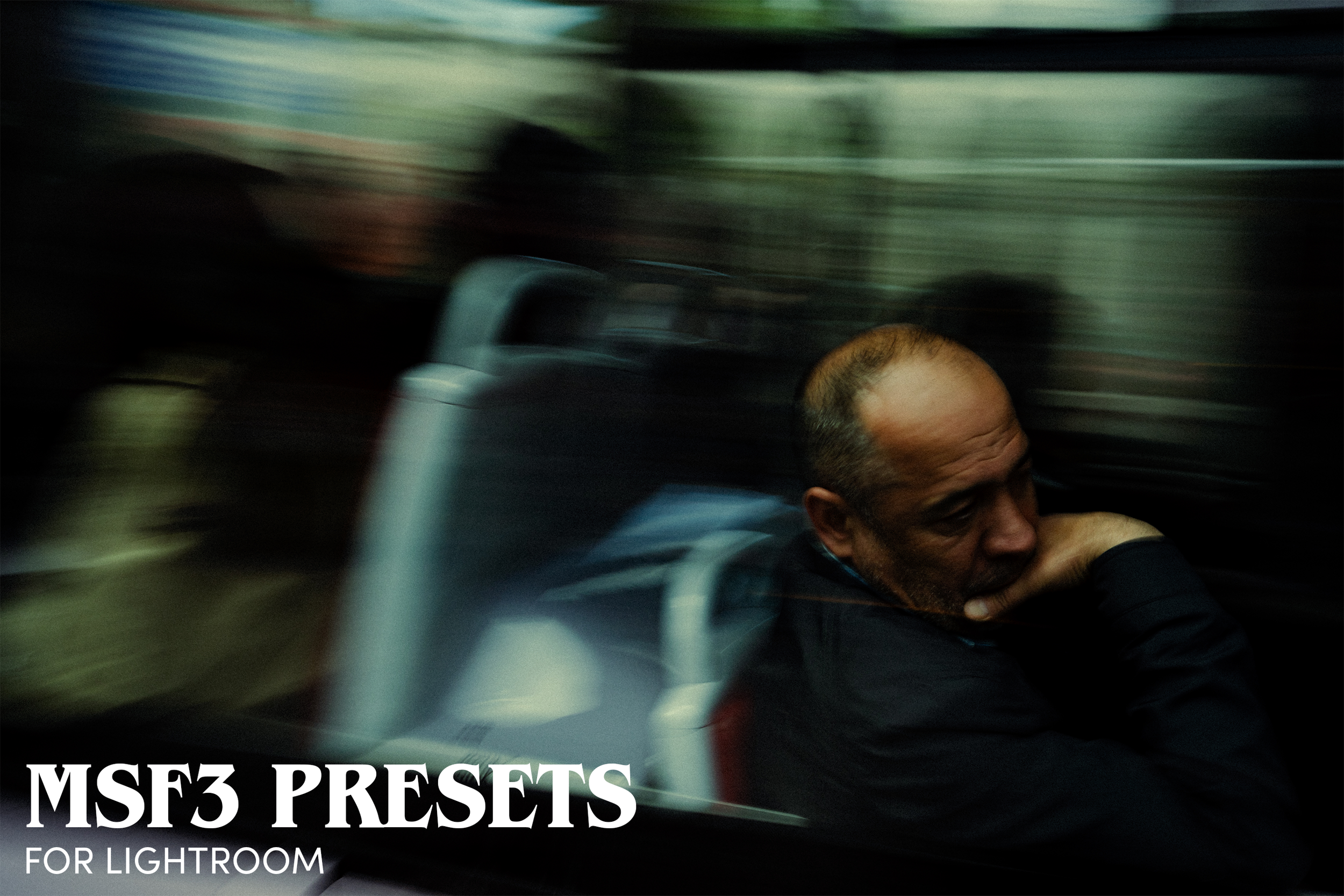 Image 1 of 15
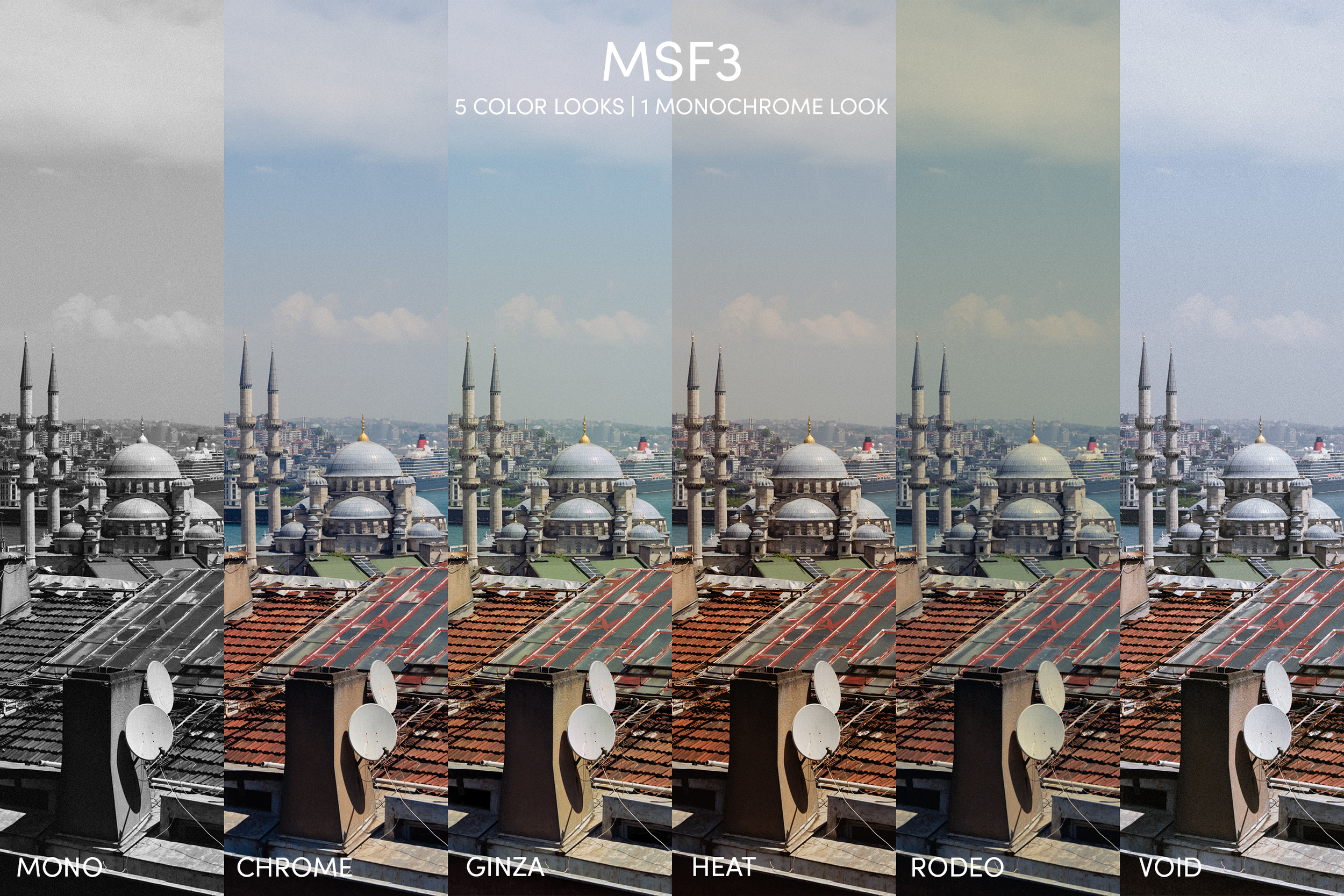 Image 2 of 15
 Image 3 of 15
 Image 4 of 15
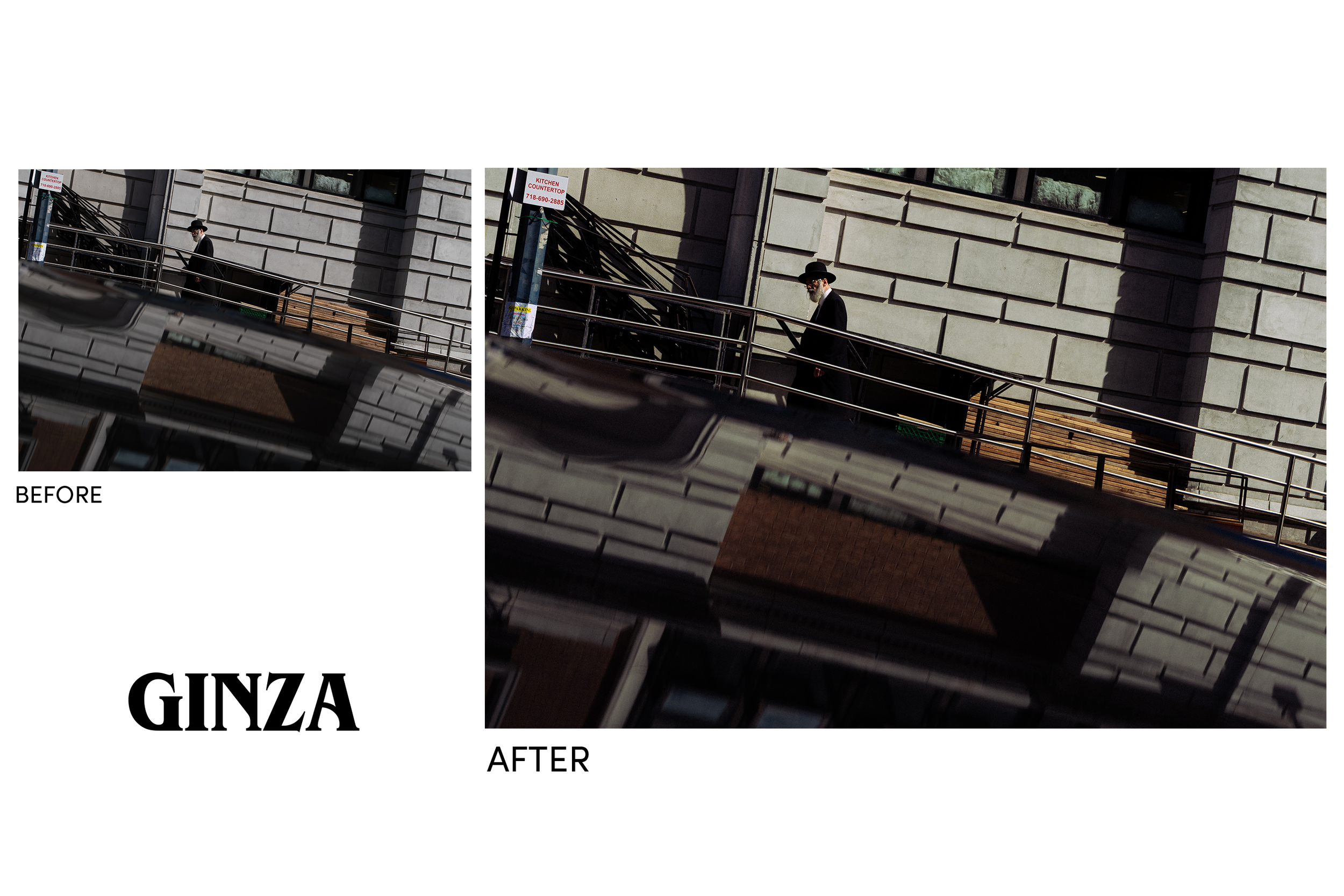 Image 5 of 15
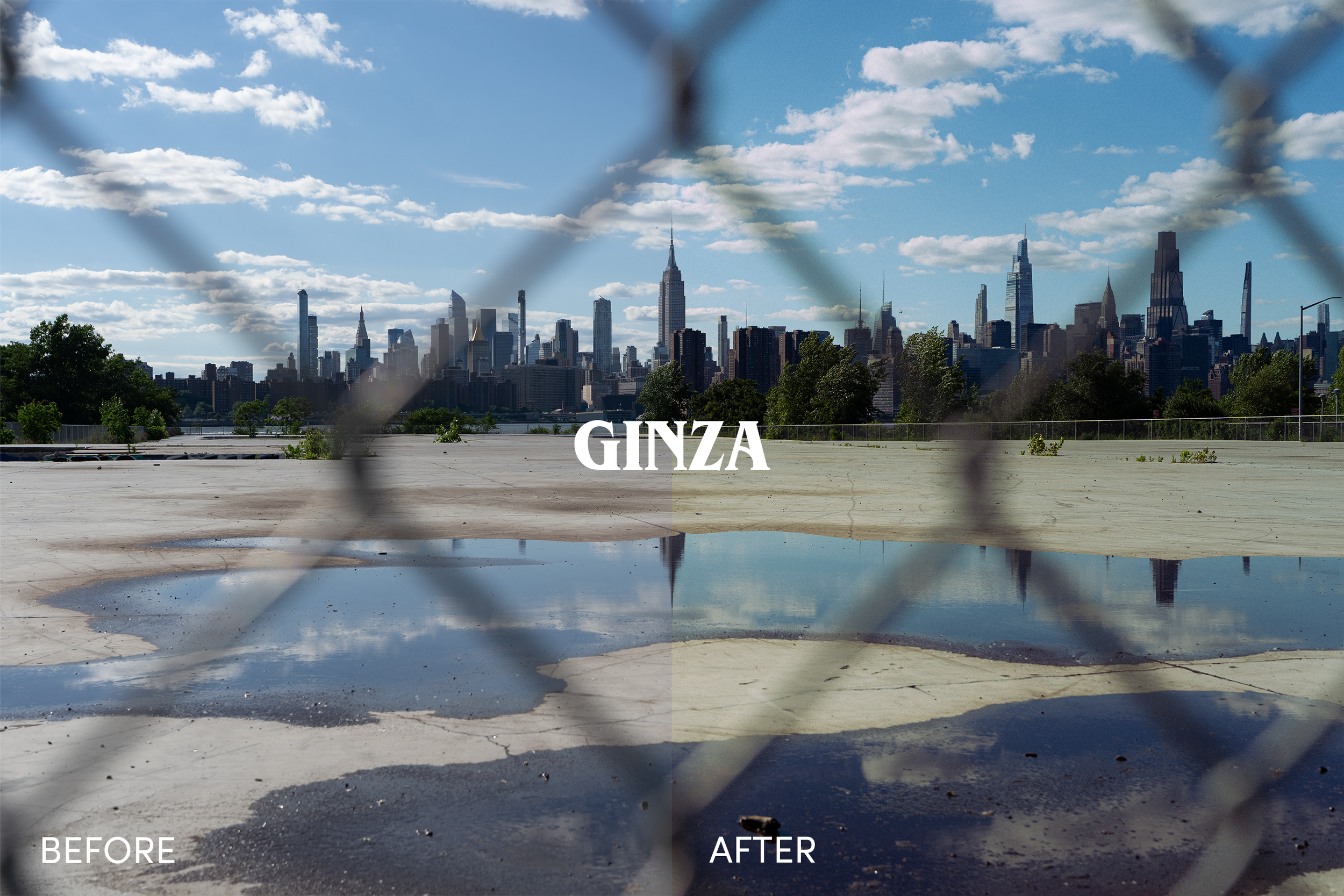 Image 6 of 15
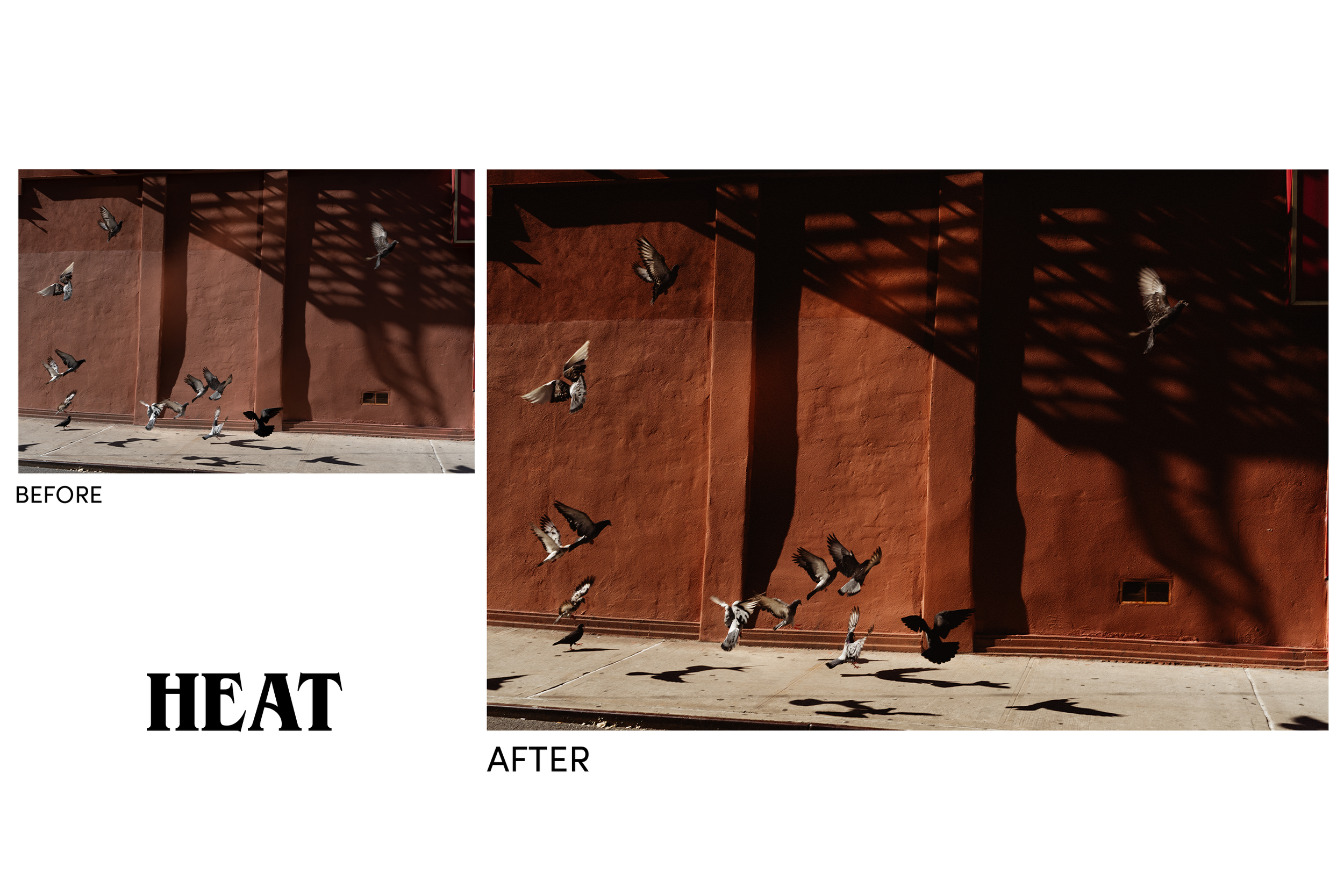 Image 7 of 15
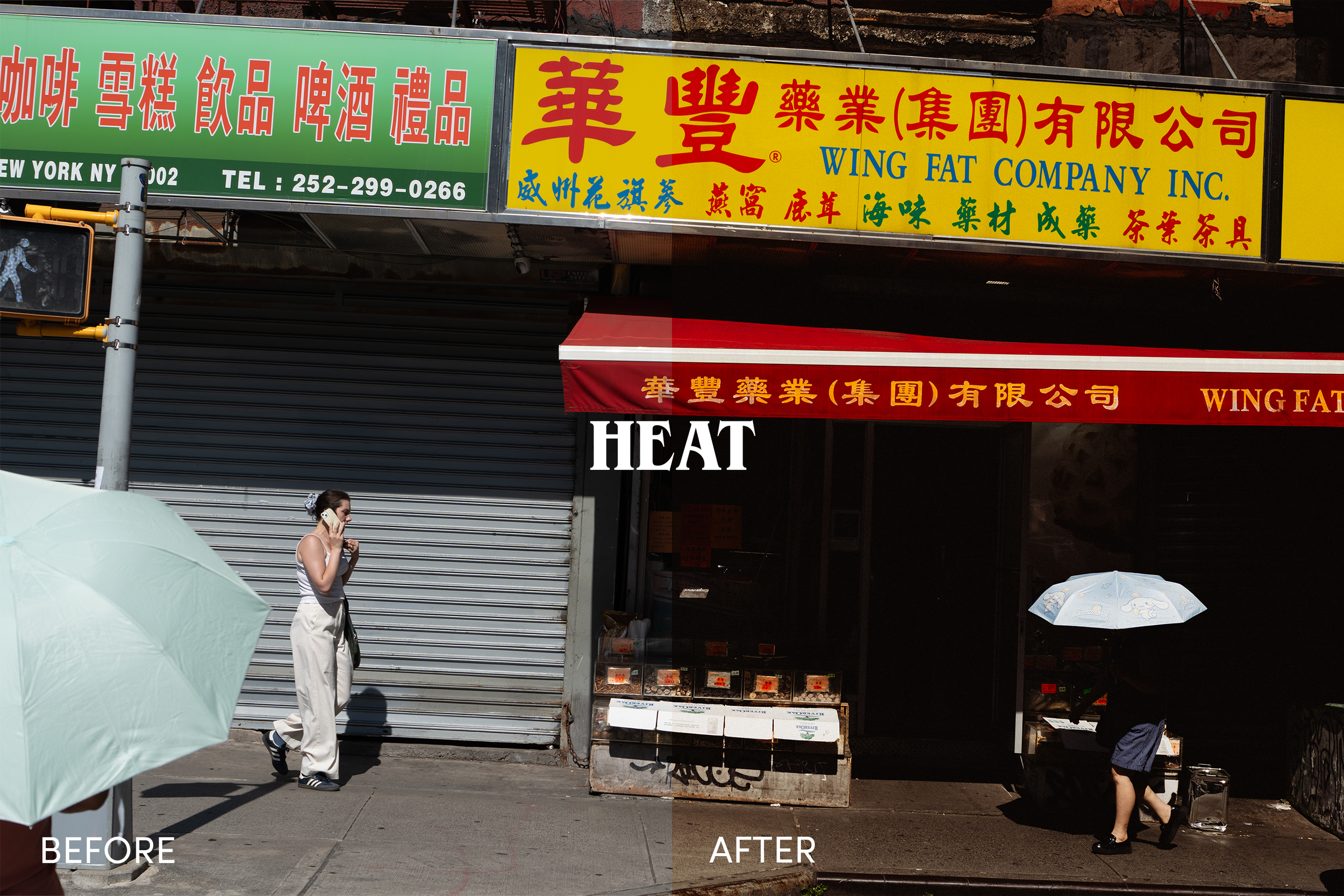 Image 8 of 15
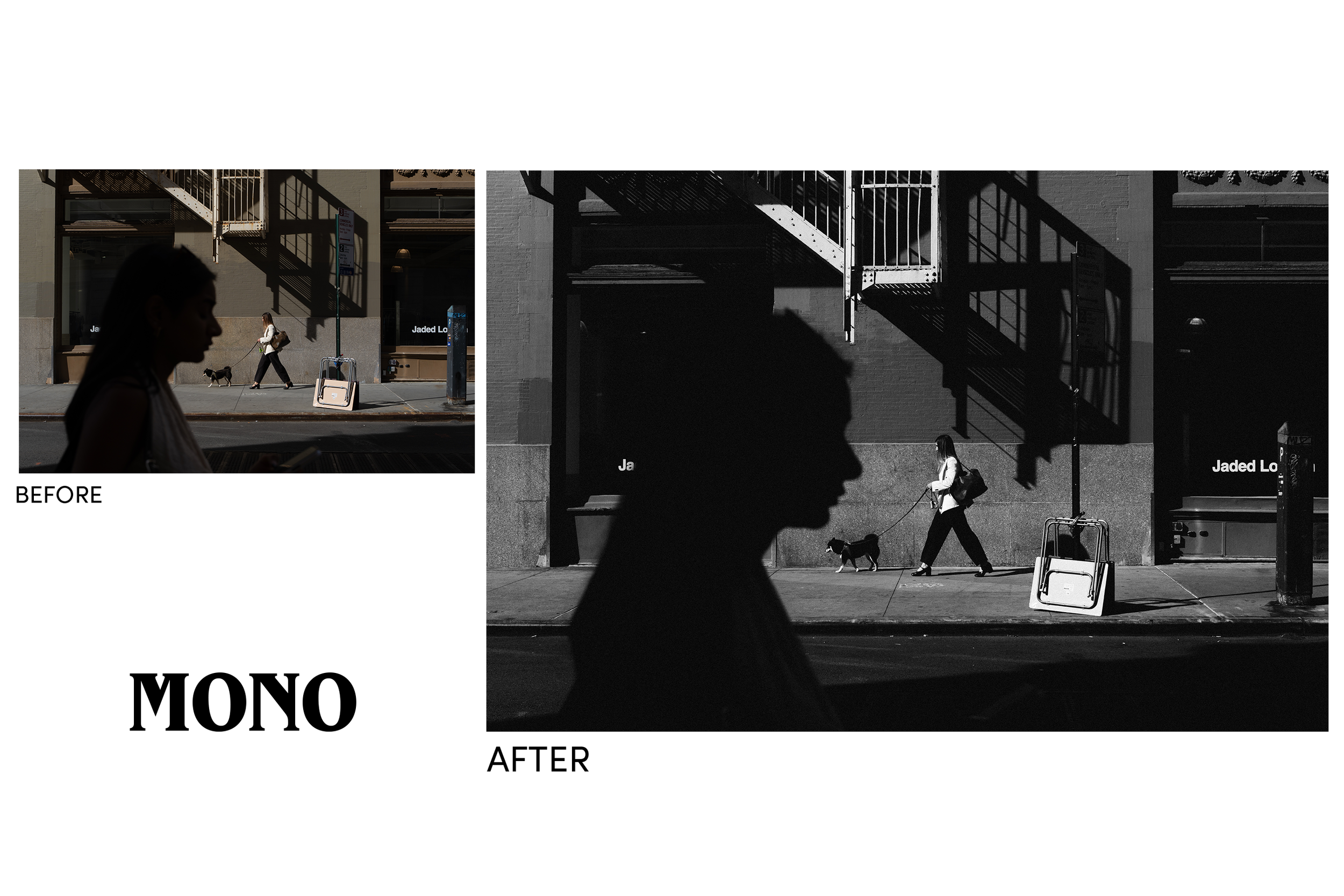 Image 9 of 15
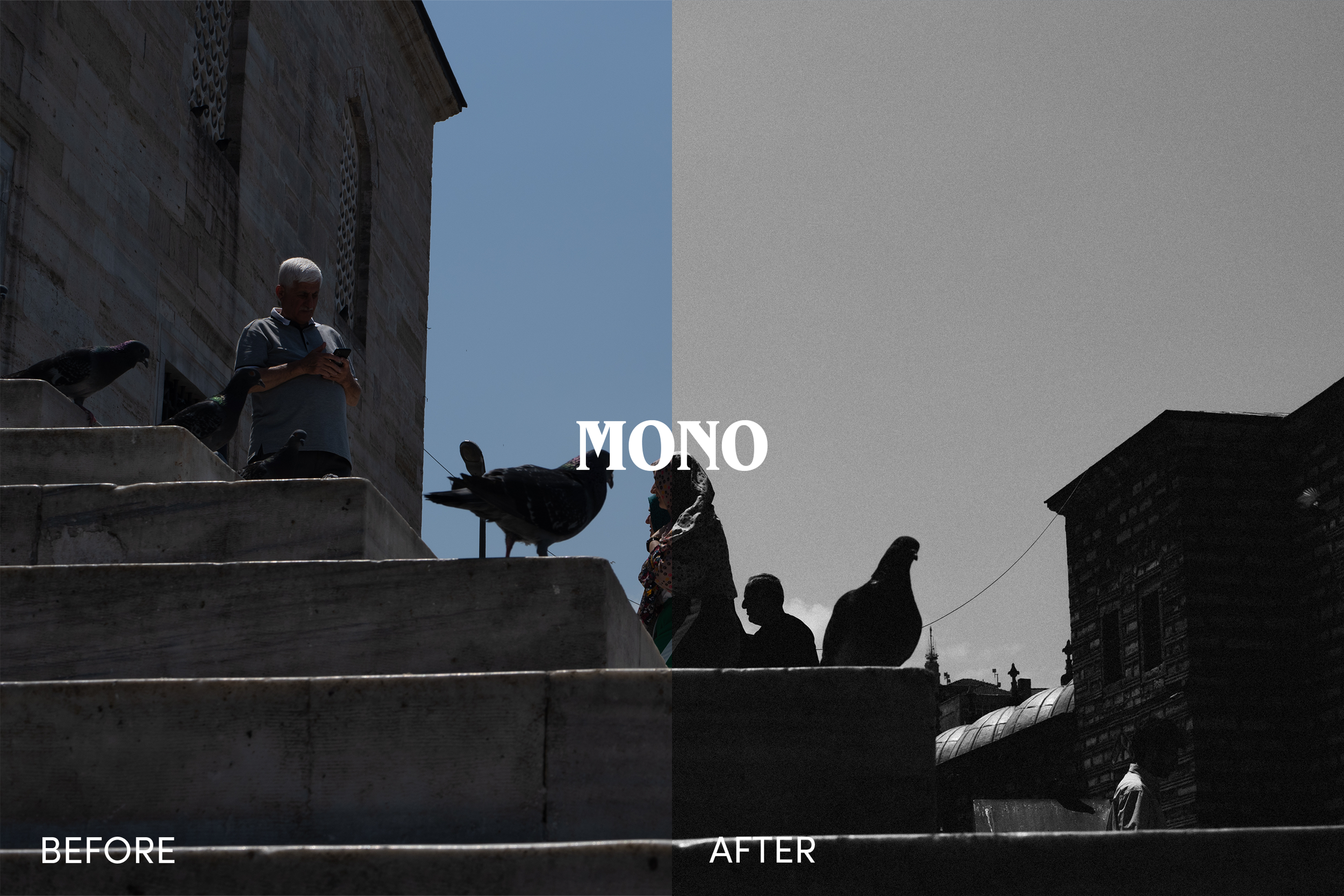 Image 10 of 15
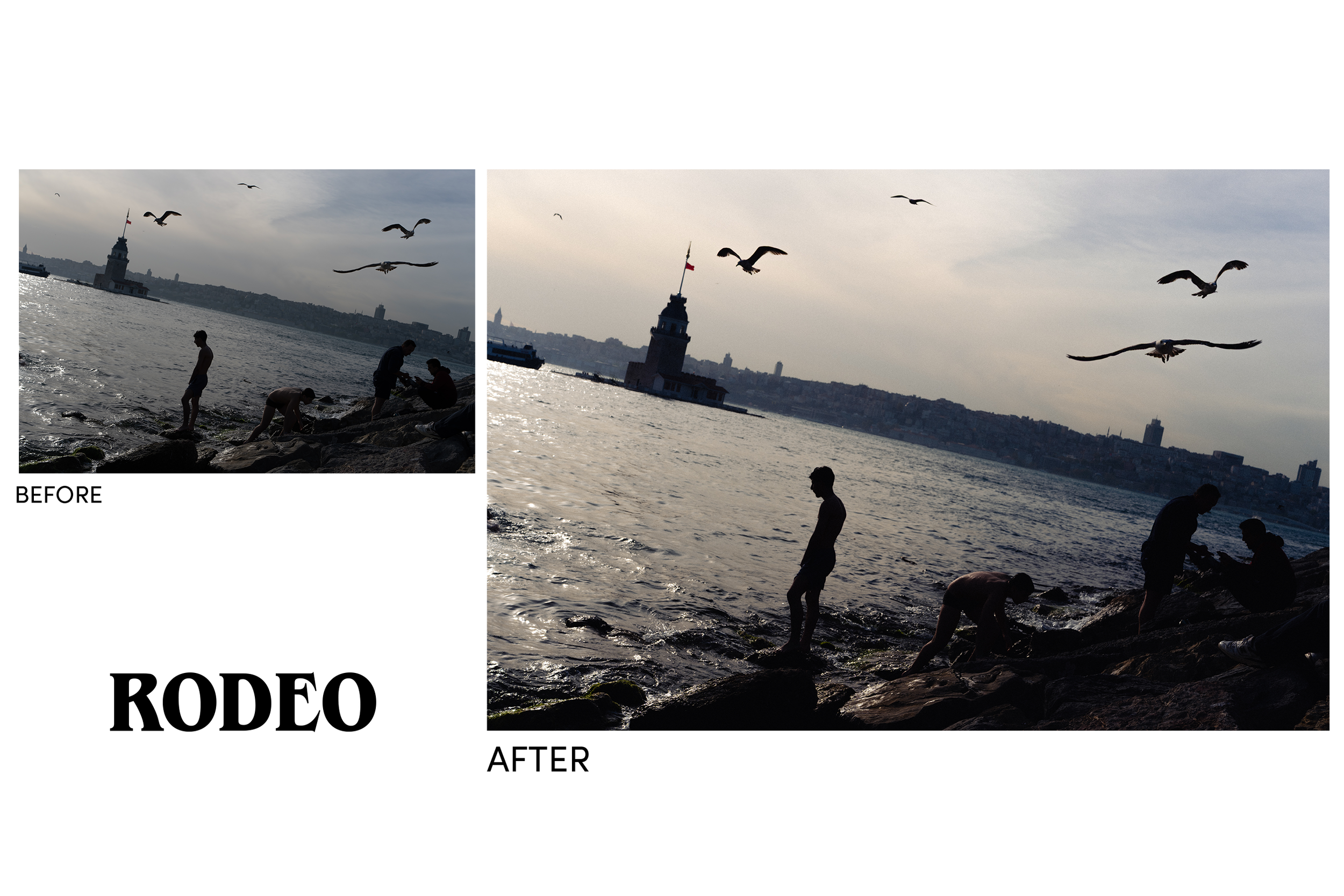 Image 11 of 15
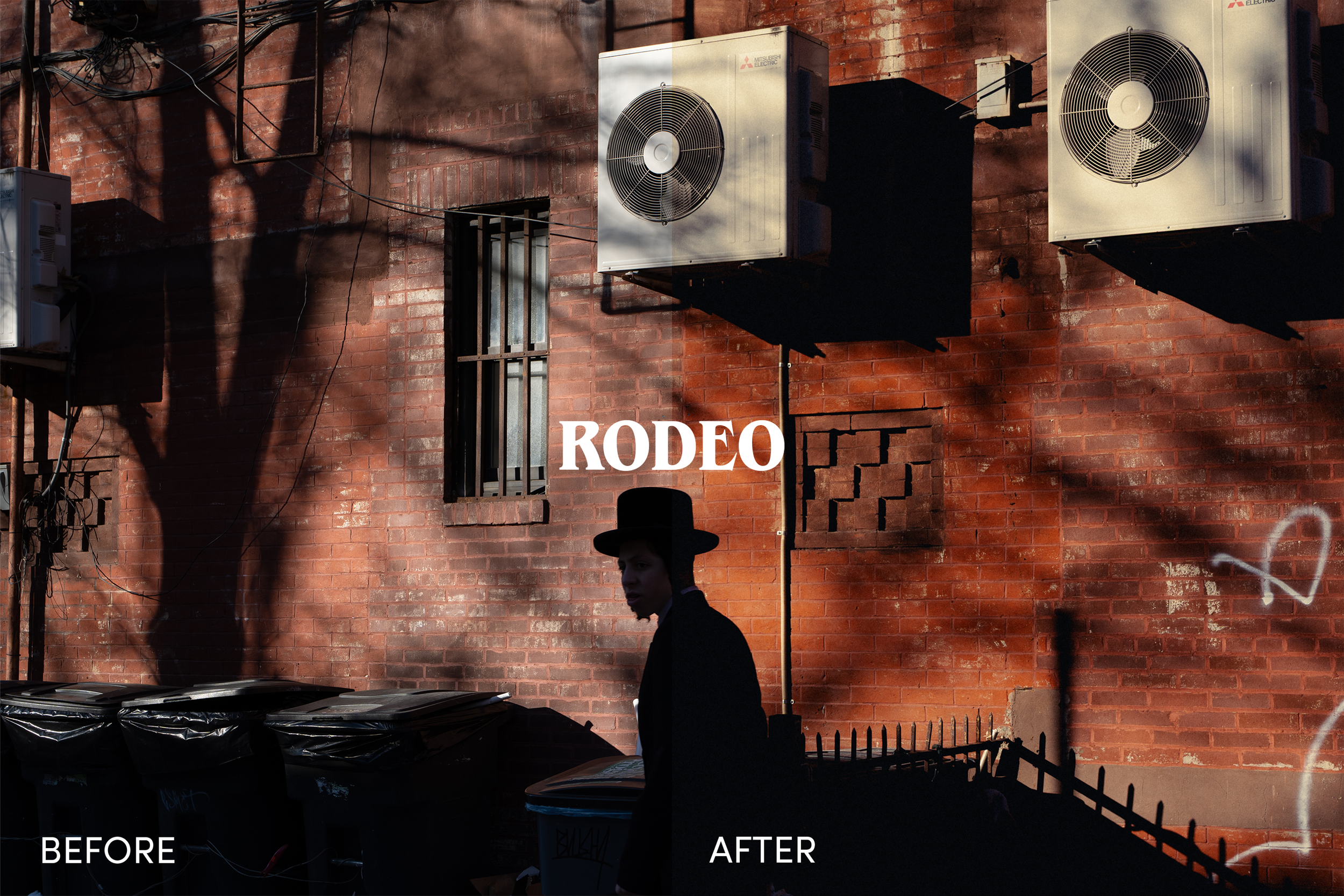 Image 12 of 15
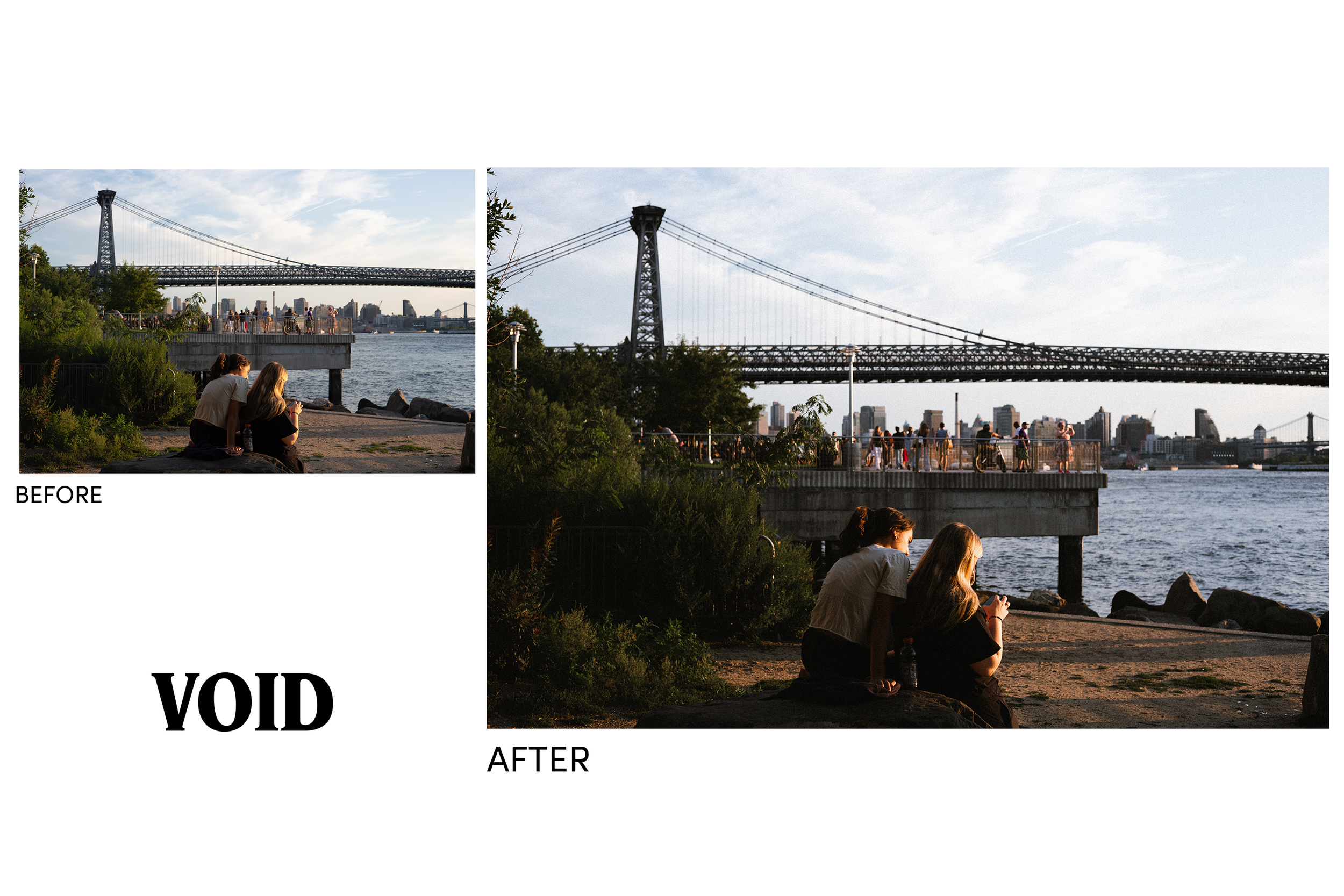 Image 13 of 15
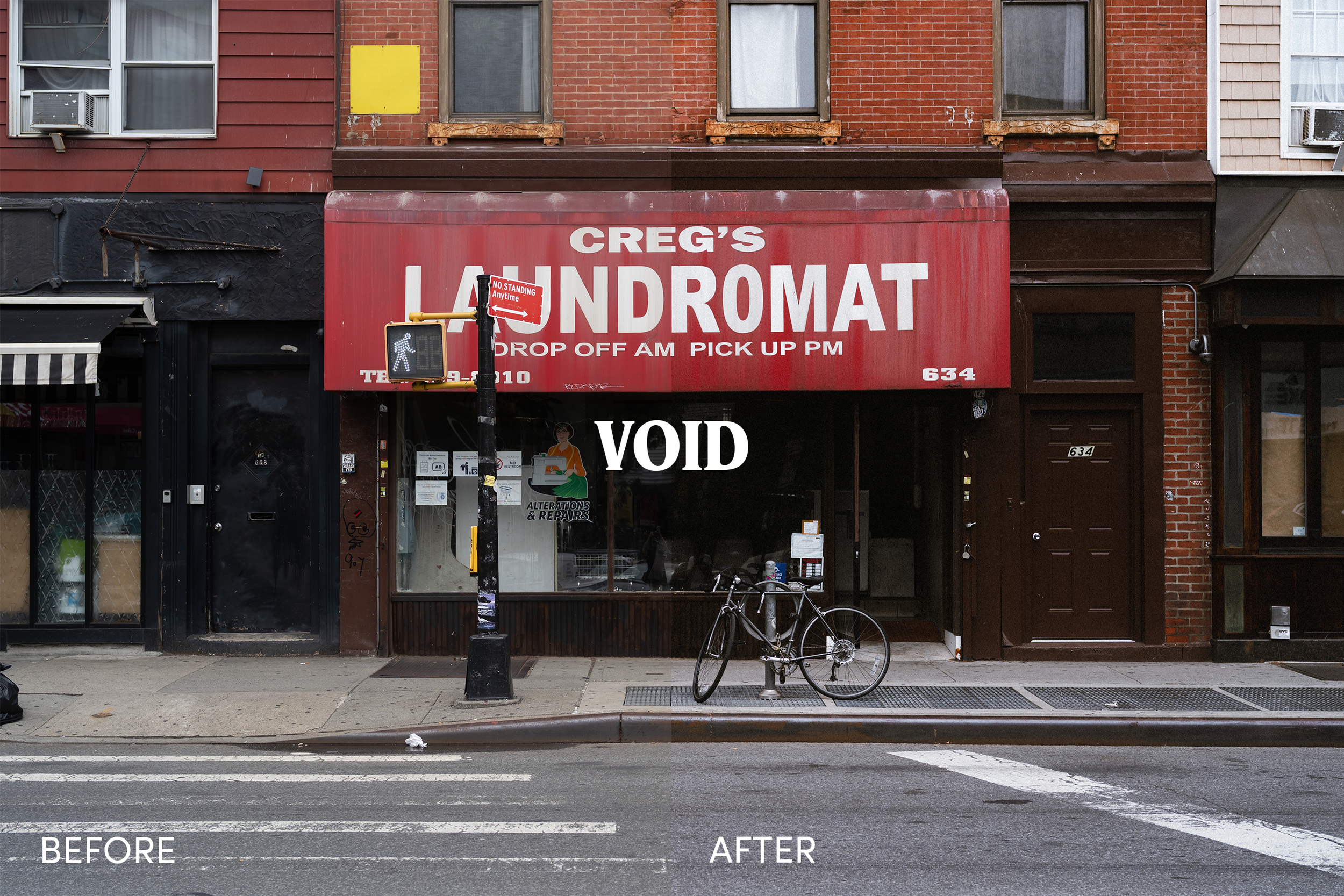 Image 15 of 15